Home Free Screencast Recording Guides
Free Screencast Recording Guides
Practical steps for capture, audio, file size, formats, Windows requirements and the current 8.1.0 feature scope.
Download Free Screencast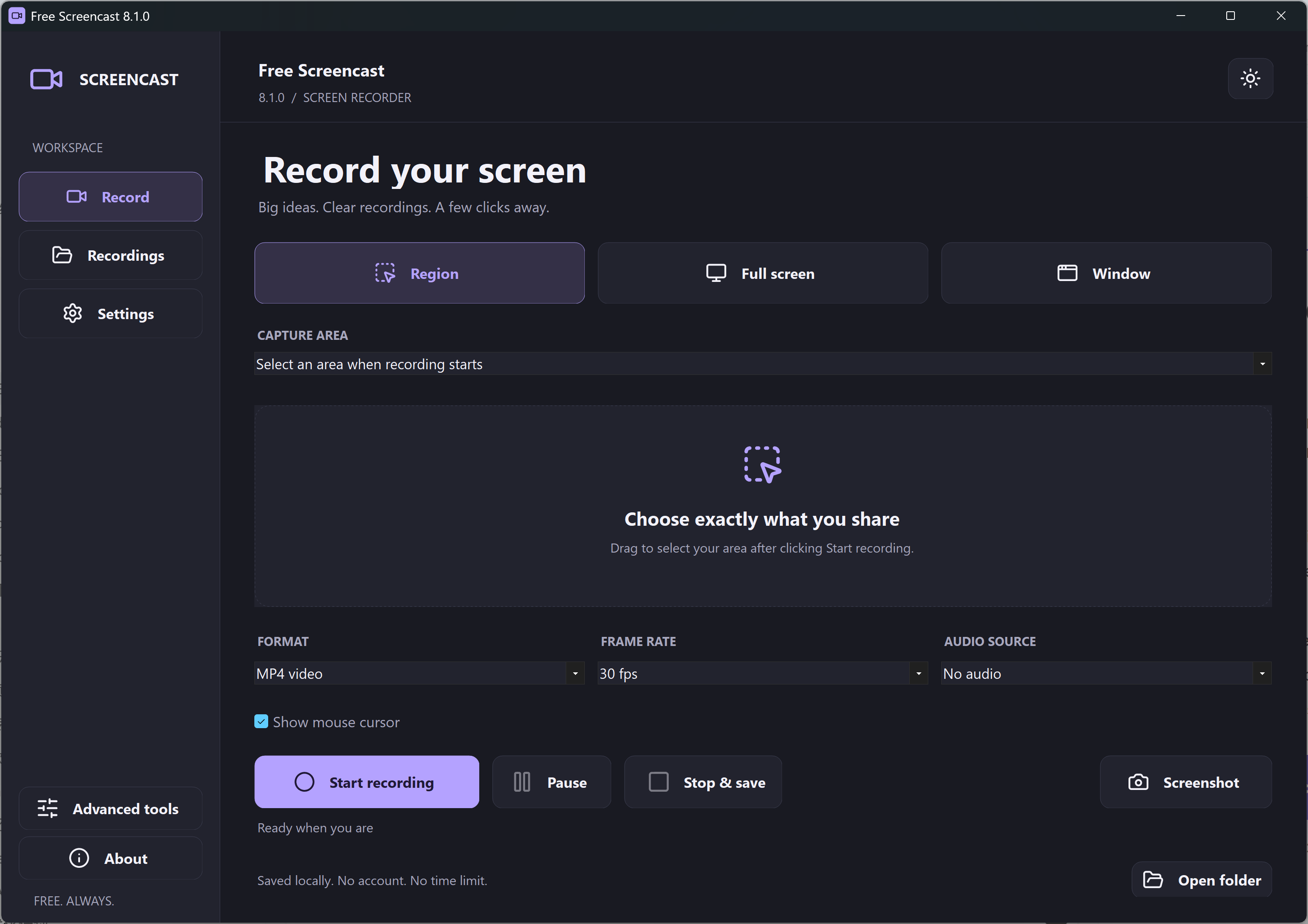
Start Recording
- Your first Windows 11 screen recording
- Record a visible window area
- Fix a recording without sound
- Check a black recording
All Guides
- How To Record Your Screen On Windows 11
- Screen Recording Has No Sound On Windows 11
- Fix A Black Screen Recording On Windows 11
- How To Record One Visible Window
- Record A Browser Area With An Audio Source
- How To Record An Authorized Online Class
- Record A Presentation With An Audio Source
- Record A Clear Software Bug Report
- Fix Blurry Text In A Screen Recording
- 30 FPS Or 60 FPS For Screen Recording?
- Fix Microphone Echo In A Screen Recording
- Reduce Screen Recording File Size
- Screen Recording File Size Calculator
- MP4, GIF And Other Screen Recording Formats
- Record A GIF Or Prepare A Short Clip
- Screen Recording Schedules: Current Options
- Webcam Overlay: Know The Current Limits
- Choose The Right Windows Recording Workflow
- Add Context To A Screen Demonstration
- Record A Visible Video-Call Window
- Five Questions Before Choosing A Screen Recorder
- Make A Clear Screen Recording
- Choose A Recorder For Your Next Screencast
- A Screen Recorder Checklist For Today
- Free Screen Recorders: Check The Whole Offer
Current Release Requirements
Free Screencast 8.1.0 requires Windows 11 22H2 or later on an x64 PC. Its runtime is included.
These guides describe the ShareX-based 8.1.0 interface. Historical article paths are preserved, with clear explanations where the older application’s webcam, scheduling, audio-mixing or format features differ.