Home Free Screencast 8.1.0 Screenshots
Free Screencast 8.1.0 Screenshots
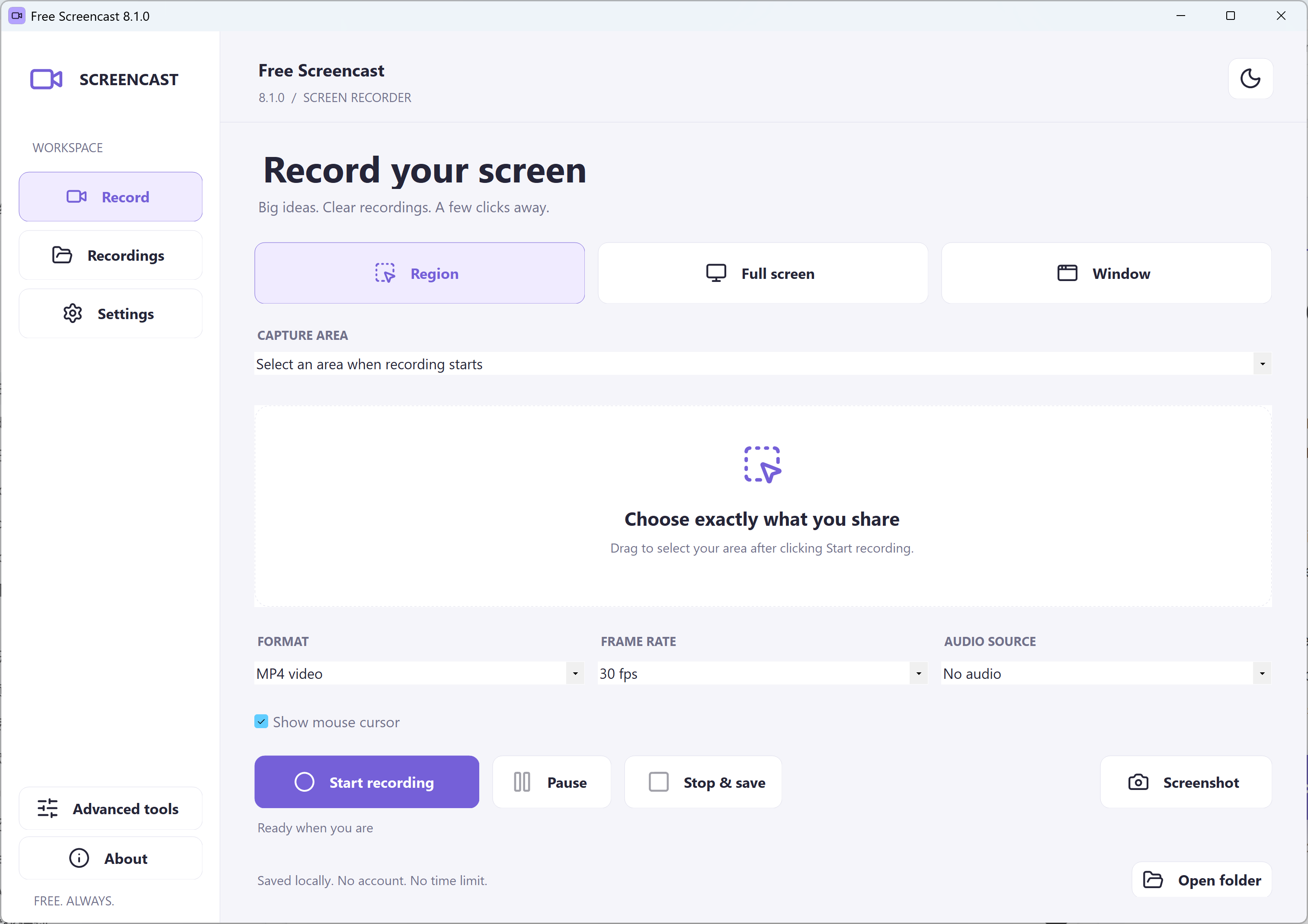
See the actual new recorder interface in its default dark theme and optional light theme.
Download Free Screencast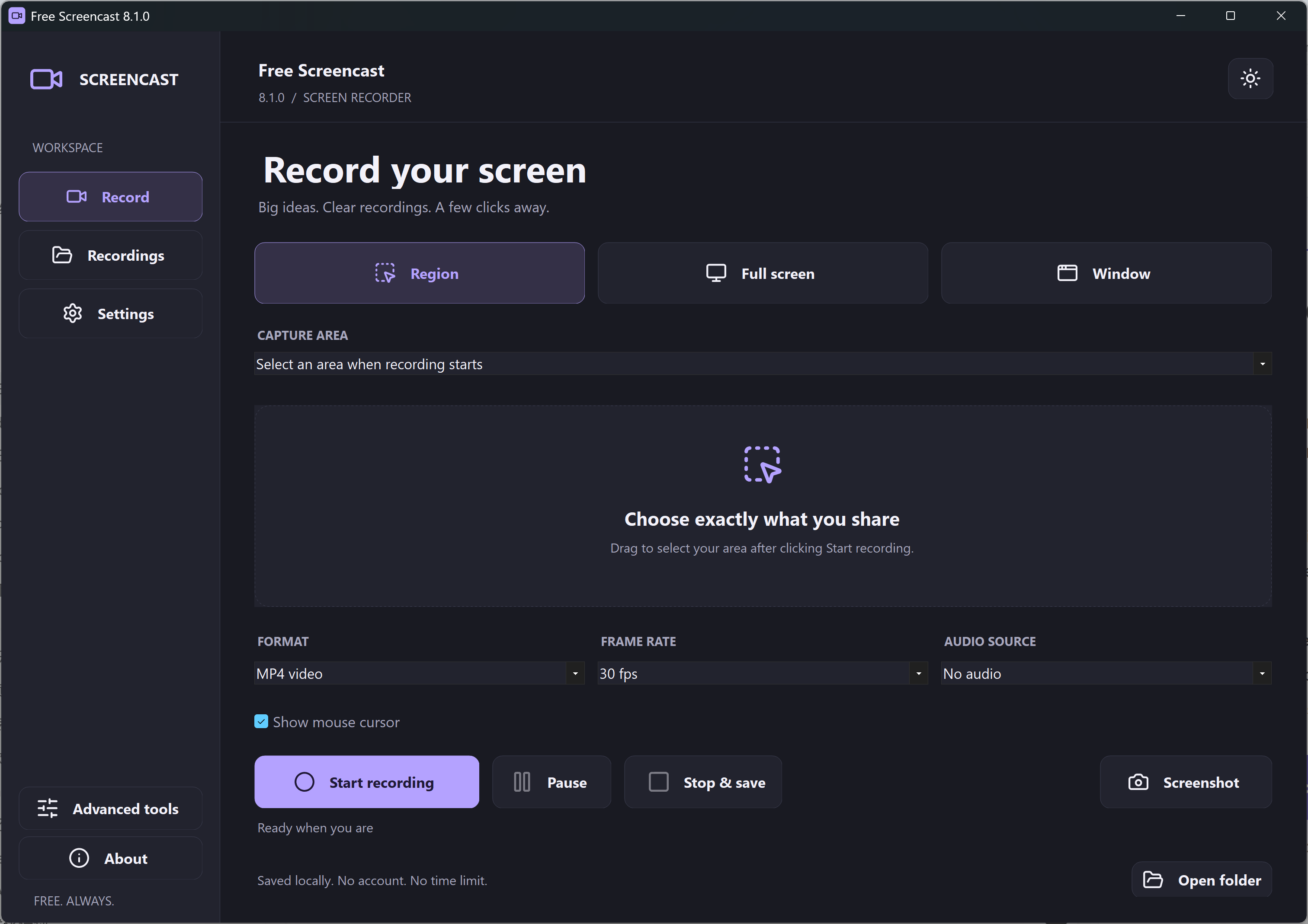
Dark Theme
The first-run default uses a charcoal interface with purple accents. Choose Region, Full screen or Window, select MP4 or Animated GIF, and reach Recordings or Settings from the sidebar.
Light Theme
The theme button switches to a bright interface and saves your preference. The recording controls and feature set remain the same.
Before Your First Recording
Window records the selected window’s initial rectangle on your screen. Keep that window visible, uncovered and in the same position. It does not follow a moved or minimized window or capture it in the background.
The simple recorder selects one DirectShow audio source at a time and defaults to No audio. System sound needs an appropriate Stereo Mix, loopback or virtual capture device that is already available on your PC. An ordinary microphone records microphone sound. This package does not install an audio helper driver or mix microphone and system audio together.