
Free Screencast is a private, watermark-free screen recorder for 64-bit Windows 10 and Windows 11. It records and processes media locally and does not require an account.
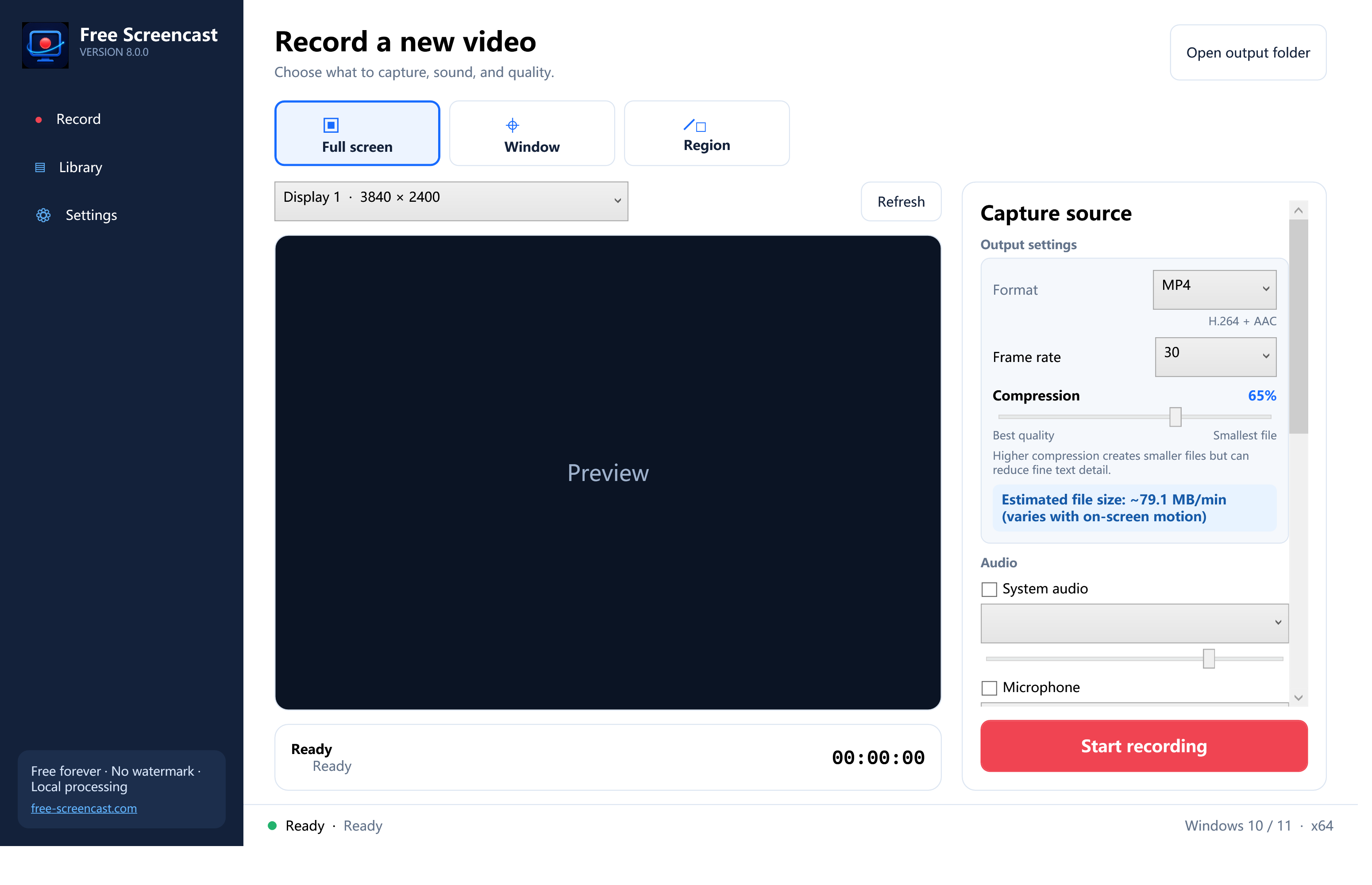
Choose exactly what to capture
Record a full display, point at one application window and click it, or drag a physical-pixel region. Preview the source before recording and use cursor/click effects when viewers need extra guidance.
Build the sound and presentation you need
Enable system audio, microphone, or both with independent device and volume choices. Add a webcam overlay with visible corner and size controls. During display or region capture, use the drawing surface, capture-safe control bar, snapshots, pause/resume, and global shortcuts.
Control quality, size, and timing
Choose MP4, MKV, WebM, MOV, WMV, or AVI at 15–60 FPS. A 0–100% compression control and estimated MB per minute make the size tradeoff understandable. Countdown values state seconds; automatic stop states minutes and is separate from manual stop. Save custom presets or schedule a one-time/daily recording with a duration.
Finish locally
The Library provides thumbnails, playback, Recycle Bin deletion, Quick trim, and GIF export. The shared editor has draggable range handles, step controls, preview positioning, fast or precise trim, and configurable GIF width/frame rate.
Privacy and current release note
Free Screencast contains no analytics, advertising SDK, cloud upload, background service, driver, browser extension, or code injection. Disabled audio and camera devices are not requested. The current 8.0.0 installer is not digitally signed, so Windows may show an unknown-publisher warning.