
यह Free Screencast का official installer है। Software मुफ़्त है, login नहीं माँगता और आपकी video files आपके PC पर रहती हैं।
Version 8.0.0 · लगभग 42.55 MiB installer · 64-bit Windows 10 2004+ और Windows 11।
Install करने से पहले
Installer पर अभी digital signature नहीं है, इसलिए Windows “Unknown publisher” दिखा सकता है। केवल free-screencast.com से डाउनलोड करें; third-party download sites के repacked installer से बचें।
- File: FreeScreencast_Setup.exe
- Exact size: 44,621,480 bytes
- SHA-256: 83AFAA5214A41C6B8EC7F613DF922501EC3C6BD4D528422E7FF743FE88B3BD9A
पहली test recording की settings
- रिकॉर्ड पेज पर डिस्प्ले, विंडो या क्षेत्र चुनें।
- PC की आवाज़ के लिए सिस्टम ऑडियो और अपनी आवाज़ के लिए माइक्रोफ़ोन चालू करें।
- Normal tutorial के लिए 30 FPS से शुरू करें; fast motion हो तभी 60 FPS चुनें।
- तुरंत शुरू करने के लिए “कोई उलटी गिनती नहीं (तुरंत शुरू)” चुनें।
- खुद रोकना हो तो auto stop बंद रखें और Stop या Ctrl+Shift+R दबाएँ।
- 10 सेकंड रिकॉर्ड करके file चलाएँ; सब ठीक हो तभी final recording शुरू करें।
Video कहाँ save होता है
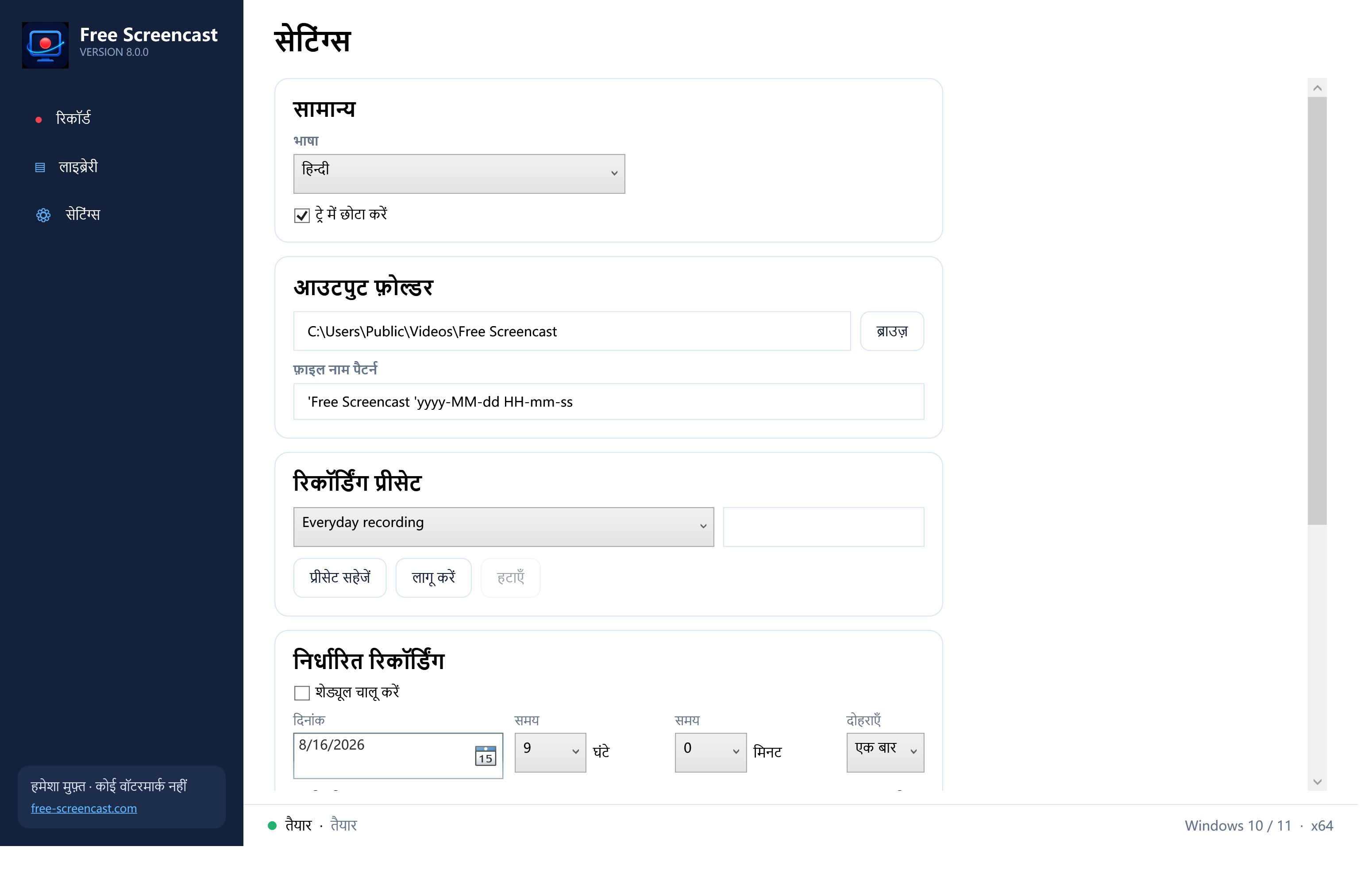
आउटपुट फ़ोल्डर सेटिंग्स में बदला जा सकता है। Recording लाइब्रेरी में भी दिखाई देती है, जहाँ play, quick trim और GIF export कर सकते हैं। कोई automatic cloud upload नहीं होता।
Official installer डाउनलोड करें
Original file name रखें और integrity जाँचने के लिए SHA-256 मिलाएँ।